The payment processing module is the area where your payment processing account details will be linked to OrderPort, along with several essential payment configurations. This guide will address the settings and navigation of the payment processing module. If you seek more specific information, there are guides tailored to your specific payment processor.
TABLE OF CONTENTS
Payment Accounts
You'll find the payment processing module in OrderPort Administration, under Settings. The first tab shows the merchant accounts your business uses, which is where each payment actually gets processed.
Most businesses have a Card Present account for tasting room sales and a Card Not Present account for transactions on file. If you run multiple tasting rooms, you may have several Card Present accounts. Check this page to see which accounts are active, and reach out to OrderPort if anything needs updating.
This tab is also where you'll find your OrderPort Payments dashboard and transaction lookups. For anything specific to your payment processor, refer to their guides.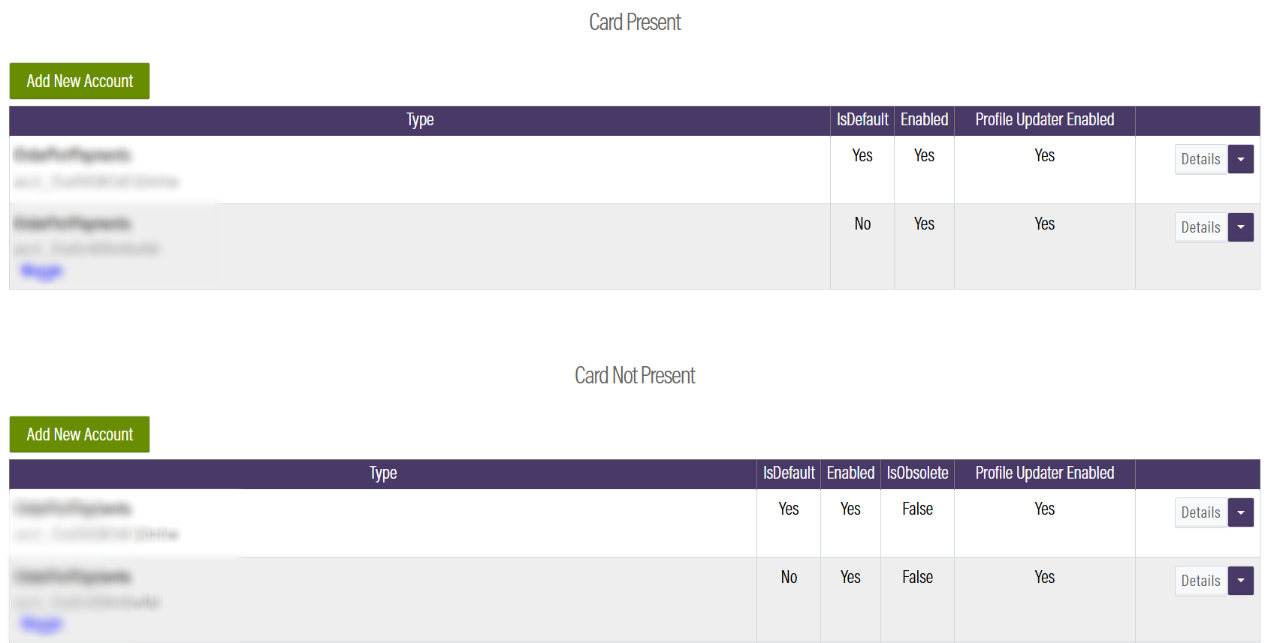
Accepted Credit Cards
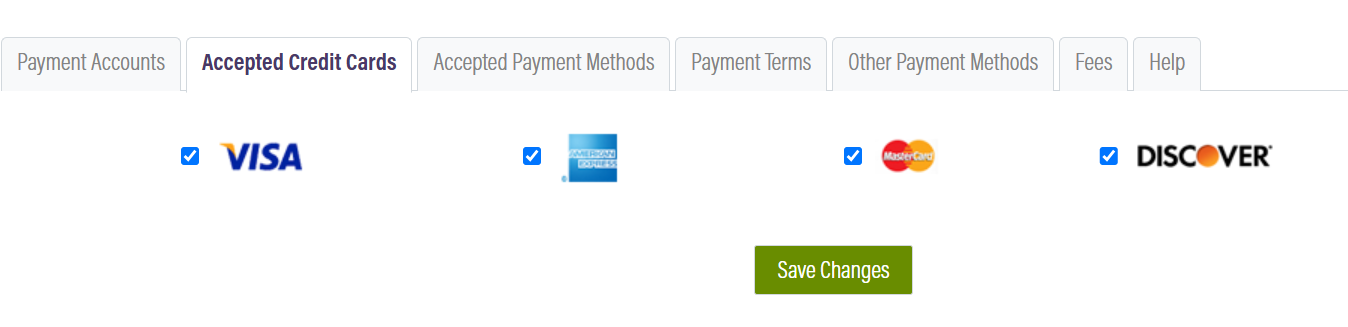
On this tab, you have the option to enable or disable specific credit card types for use on your business's eCommerce platform. Please check or uncheck the box, then click Save Changes. Currently, OrderPort does not offer a method to restrict usage on the Point of Sale. If necessary, we recommend creating a sign to display near the cash register to inform customers if you do not accept a particular credit card brand.
Payment Methods
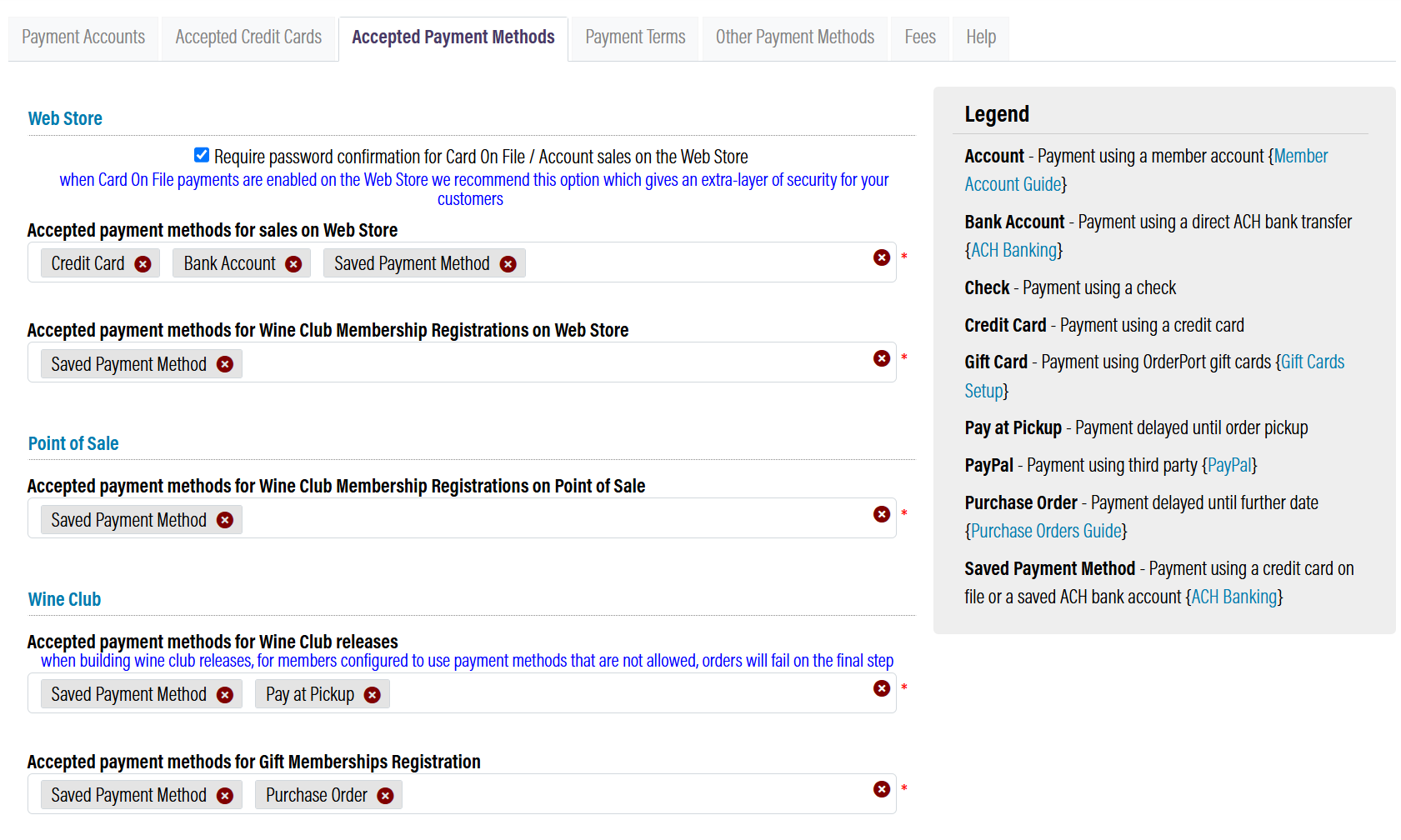
This tab controls which payment methods are accepted on your webstore, and which ones are available for webstore, Point of Sale, and Wine Club sign-up. For example, you can turn gift cards on or off, or remove a payment method you no longer use. If a payment method isn't showing up in the dropdown, it just means that channel doesn't support it yet.
Payment Terms
This tab is where you set payment terms for Purchase Orders. These terms refer to the period of time that the customer must complete the purchase. When processing a PO transaction, you can decide which payment term applies. 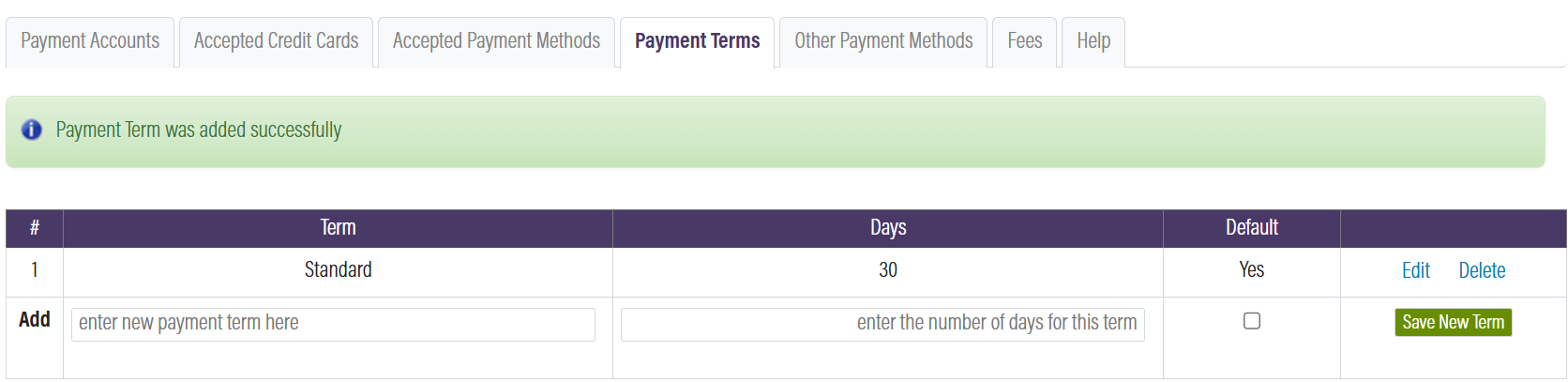
Other Payment Methods
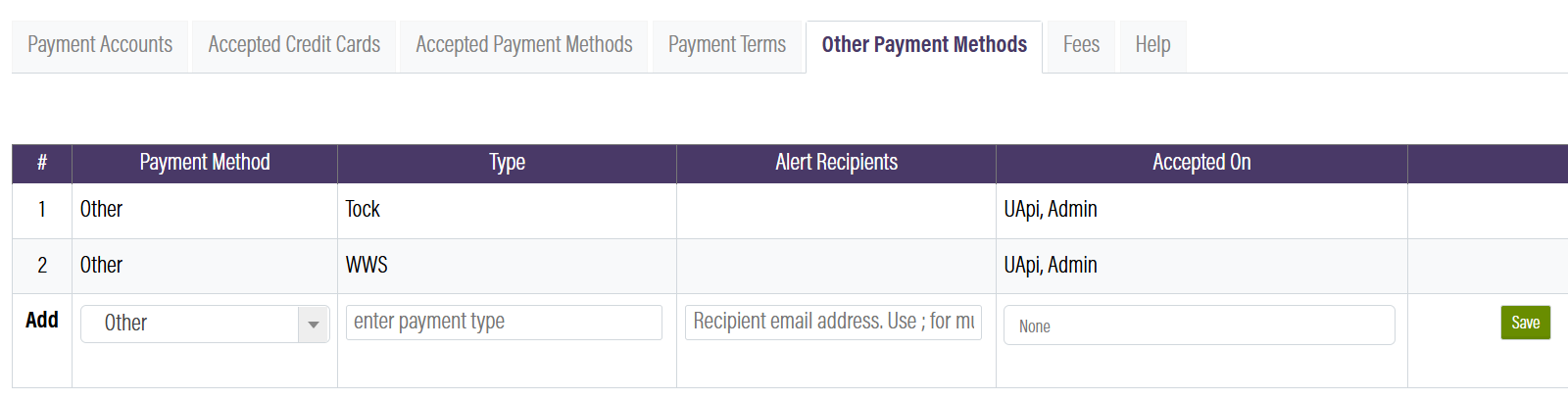
Other Payment methods are created as ways for customers to make non-monetary payments. When you are checking out a customer, you will choose one of these payment methods instead of cash or credit card. When you create an Other Payment method, you can also choose which order sources it will be available on. As an example, Tour Bucks cannot be accepted on this business’ webstore.